
Understand
A 60-second check‑in each morning: how you slept, how you feel, what yesterday looked like. No wearable, no setup.
Dargano turns your own days into small experiments, so advice about your energy, sleep and stress comes from your evidence instead of someone else’s.

Coming soon to the App Store
Free to start. No wearable needed. A minute a day. Works with Health Connect on Android, and Apple Health on iPhone (coming soon), if you want it.
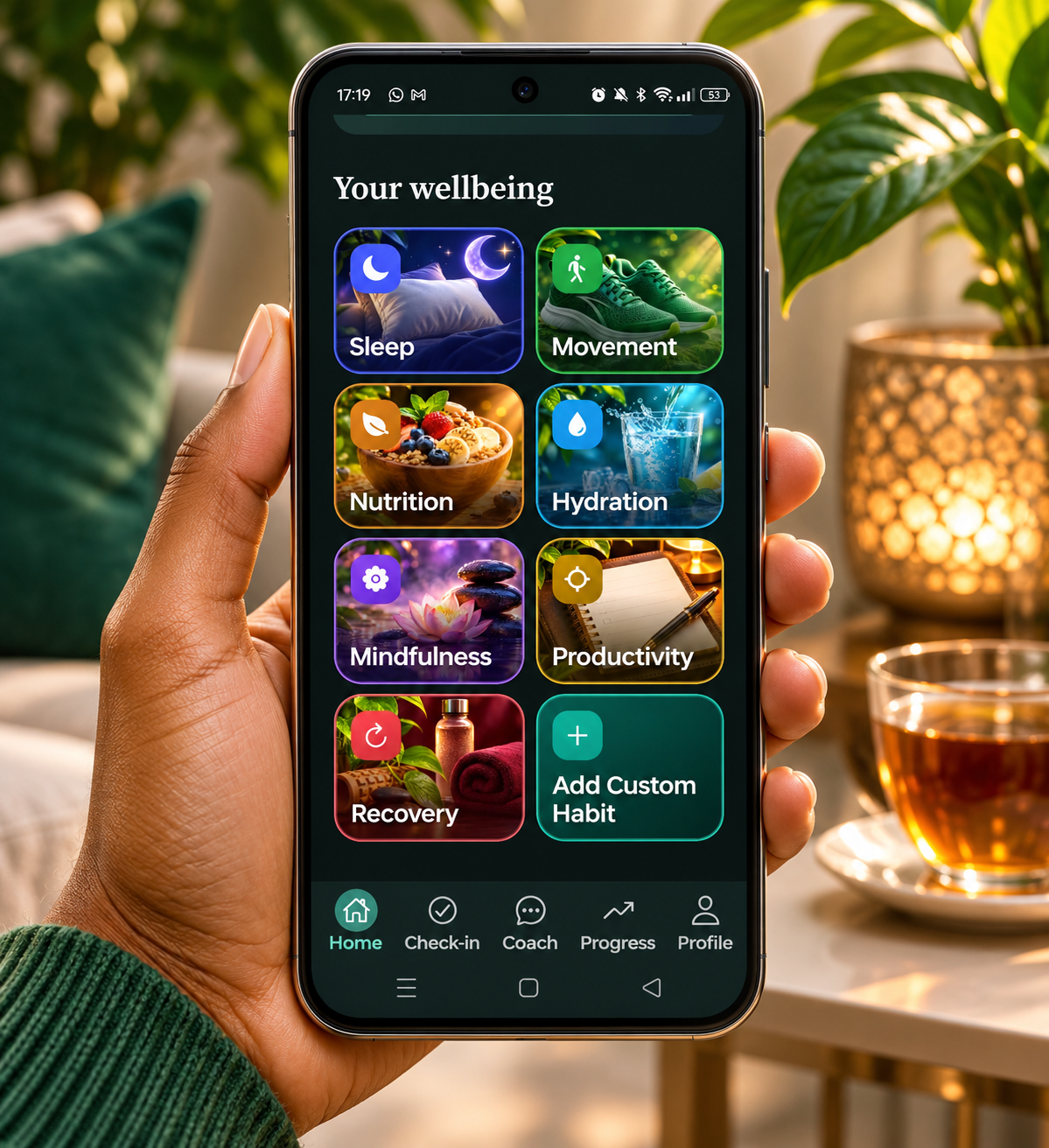
Most wellness apps stop at recording what you did. Dargano keeps going, because a record is only useful once it changes what you do next.
A 60-second check‑in each morning: how you slept, how you feel, what yesterday looked like. No wearable, no setup.
Three actions sized to the day you actually have, plus a small change you can test on yourself over 5 to 14 days.
Dargano compares the week you just ran against your baseline and tells you what moved — in plain, careful language.
What worked stays in your plan. What did not gets replaced. Next week starts from what you have learned.
The four screens you will use most, in the order you will meet them.
Sleep, energy, mood, stress and activity, each answered by tapping one of five options. Answer what you know and skip the rest — the day’s plan works with whatever you give it.

Name it, choose a category, and add a target only if you want one. A 15-minute morning walk is a perfectly good habit, and a missed day never sends your Momentum back to zero.

Ask what to focus on today or how to be more consistent. Answers draw on the habits and check‑ins you have logged, stay brief, and say so when there is not enough data yet.

Pick something to try for 5 to 14 days and one thing to measure. Dargano compares the experiment with your baseline and tells you what moved, alongside how small the sample still is.
Start a Focus Session from any habit you measure in minutes or hours, then keep going without opening the app.
Pick a habit measured in minutes or hours, choose a length and tap Start session.
The countdown stays on your lock screen with Pause, Resume and End, so you stay in control without opening the app.
When time is up, Dargano asks if you finished. Done records the habit. Not yet records nothing.
Available now
A live countdown notification on your lock screen.
Coming soon
A Live Activity on your lock screen and, on compatible iPhones, in the Dynamic Island. Pause, Resume and End work on iOS 17 or later.

If you want it, Dargano can show your sleep, steps and exercise minutes beside your daily check‑in. If you don’t, nothing changes.
Last night’s sleep, today’s steps and your exercise minutes, shown next to your check‑in.
Nothing is read until you tap Connect and allow access. You can disconnect at any time.
Dargano only reads; it never writes to your health app. What it reads stays on your phone: it is not saved by Dargano or sent anywhere, including the AI Coach.
The Weekly Review adds a “This week in Health” summary: your average sleep a night, your average steps a day, and the days with at least 10 minutes of exercise.
Available now
For Android.
Coming soon
For iPhone.

Shown for your own awareness, not as a medical measurement. Exactly how it is handled is in section 2.7 of our privacy policy.
Not a dashboard to configure. A day that has already been thought about.
Three actions, chosen from your check‑in and the minutes you said you have. Short night and low energy means recovery, not a workout you will skip.
Ask why your energy dipped or what to do with twenty free minutes. It answers from your own check‑ins, briefly, and never pretends to know something you have not told it.
Once there is enough data to be worth mentioning, Dargano points out what tends to go together — and tells you how thin the evidence still is.
Build habits around sleep, movement, hydration and recovery. Miss a day and nothing resets to zero or turns red.
What you did, what changed, and one thing to try next. Five minutes on a Sunday rather than a dashboard you never open.
Momentum over 14 days, consistency over 28, and the results of every experiment you have run. Compared only against you.
Momentum looks at the last 14 days of showing up — not at how healthy you are, and never at how you compare to anyone else.
A coach you trust has to be clear about its limits, so here are ours before you download anything.
No conditions, no medical conclusions, no treatment plans. Dargano describes patterns in your data and leaves the interpreting to you and your doctor.
When two things move together, Dargano says so and says what it is unsure about. It will not tell you one caused the other.
No streak punishment, no red warnings, no comparison against other users. A missed week is a starting point, not a failure.
Dargano provides general wellness and self-improvement guidance and is not medical advice or a substitute for professional healthcare. If something feels urgent or serious, please speak to a qualified clinician.
No. Dargano is built around a 60-second daily check‑in you fill in yourself — sleep, energy, mood, stress, activity, hydration, nutrition. Manual entry is the foundation, not a fallback. If you want, you can also connect Health Connect on Android (Apple Health on iPhone is coming soon) to see your sleep, steps and exercise minutes beside your check‑in. It is optional and read-only, and what it reads stays on your phone. The app is complete without it.
A timer you start from any habit you measure in minutes or hours. Choose a length and tap Start session, and a countdown stays on your lock screen with Pause, Resume and End. On Android it is a notification; on iPhone it will be a Live Activity on the lock screen and, on compatible iPhones, in the Dynamic Island (coming soon). When time is up, Dargano asks if you finished: Done records the habit, and Not yet records nothing.
A small change you test on yourself for a set number of days, anywhere from 5 to 14. You pick something to try — an earlier last coffee, a ten-minute walk after lunch, lights out by eleven — and one thing to measure. Dargano records a baseline from your previous week, tracks the run, and then shows you what changed.
Rules first, then language. Your check‑in data determines which categories are appropriate — a short night and low energy steer the day toward recovery rather than a hard workout — and the AI writes the explanation in plain terms. The AI does not invent the advice, and it cannot invent data you have not entered.
A measure of how consistently you have been showing up over the last 14 days: your check‑ins, your habits, and the actions you completed. It is not a health score and it is not a judgement. Missing a day lowers it a little; it never resets to zero.
Your check‑ins, habits and experiments are yours. Each account can only read and write its own records, and Dargano asks for the minimum it needs to work — it does not sell your data or build an advertising profile from it. Health information that Dargano reads from Health Connect or Apple Health never leaves your phone.
It can show you patterns in your own data — that your energy has tended to be lower after shorter nights, for instance — and suggest something to try. It will not name a cause or a condition. For anything persistent or worrying, see a doctor.
The core loop — check‑in, daily plan, habits and progress — is free to use. If you have a question about billing or anything else, send us a message with the contact form below.
A question about Dargano, feedback on the app, or something that isn’t working? Leave your details and a message, and we’ll reply by email.
Want your account and data deleted? See how to delete your account.
Thanks — we’ve received your message and will reply to the email address you gave us.
Start with one check‑in tomorrow morning. By next weekend you will have run your first experiment and know something about yourself that you did not know today.
Coming soon to the App Store
